
Speed, precision, and reliability in a true hybrid DTG/DTF solution
Since 2005, Brother has been known for making garment printers designed from the ground up. The GTX300 hybrid DTG/DTF garment printer is designed to help you produce more with less friction. From day-to-day jobs to high-demand production, it delivers consistent, professional results so you can take on more creative ideas and product types without changing your setup.
Download GTX300 BrochureSpecifications
Printing Method
Direct inkjet garment printer
Printing Applications
Direct to garment and direct to film printing
Machine Size
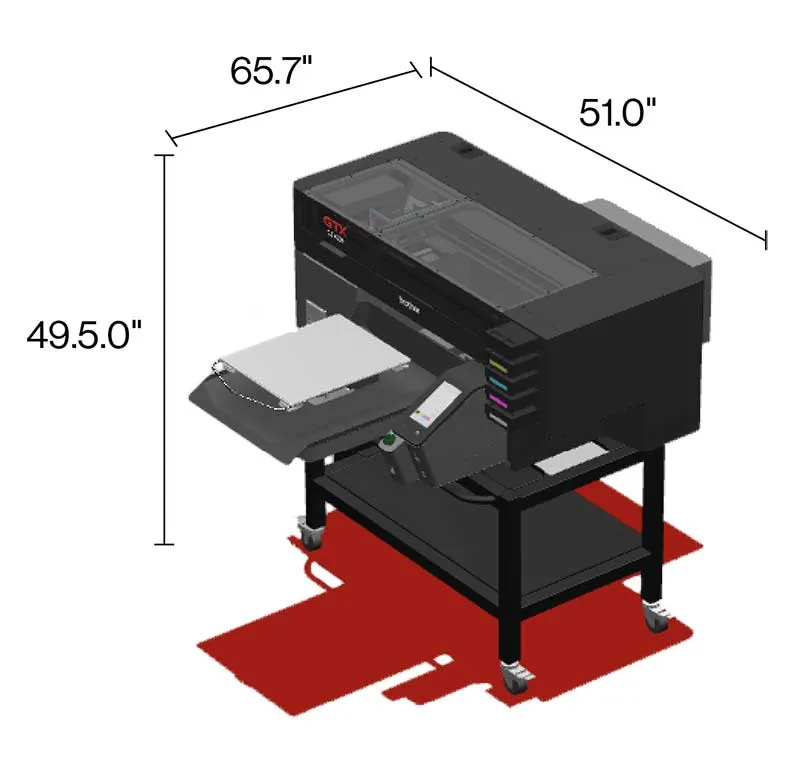
Without stand, Platen Loading: 51.0" x 57.7" x 23.0" (1295mm x 1465mm x 583mm)
Without stand, Maximum: 51.0" x 65.7" x 23.0" (1295mm x 1670mm x 583mm)
Machine Weight
Approx. 276 lb (125kg) including platen; not including stand
Platen Sizes
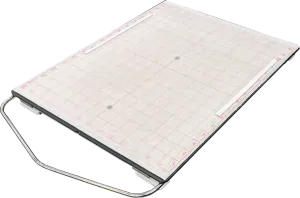
Magnetic Adult Platen
14" x 16" / 35,6cm x 40,6cm
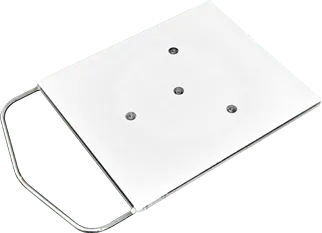
Youth Platen
10" x 12" / 25,4cm x 30,5cm

Baby Platen
7" x 8" / 17,8cm x 20,3cm
Maximum Print Size is 16" x 21" / 40,6cm x 53,3cm
View all platen sizesIncluded Platen Size
14" x 16" (35,6cm x 40,6cm)
Ink Type
5-Color Water-Based Pigment Ink (CMYKW)

Ink-Head Type
On demand piezo head with Ink Flow Technology
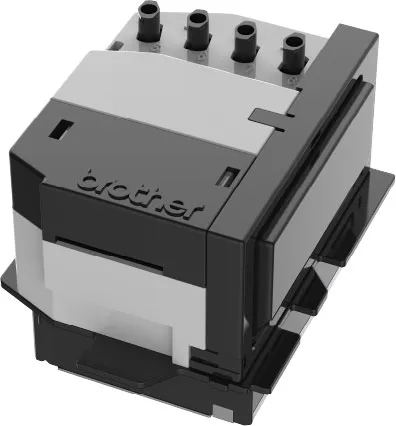
Number of Ink-Heads
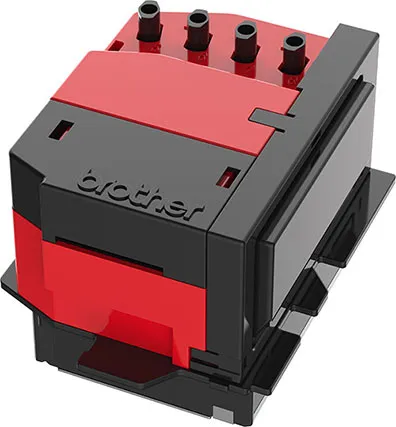
2 print heads / 8 ink channels
Ink Circulation
White ink circulation through the sub tanks, ink lines and print head
Print Resolution
1200 dpi x 1200 dpi
Print Mode
Single or double for CMYK. Underbase and highlight for white.
Industrial Maintenance Station
Includes wet caps and wet wipers
Environment
Standby Conditions
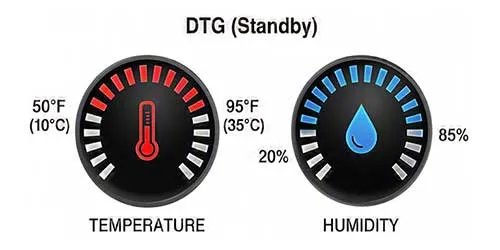
DTG: 50°F to 95°F (10°C to 35°C),
20%-85% relative humidity
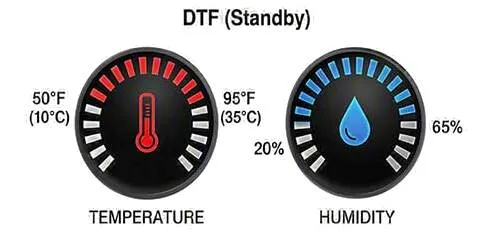
DTF: 50°F to 95°F (10°C to 35°C),
20%-65% relative humidity
Operating Conditions
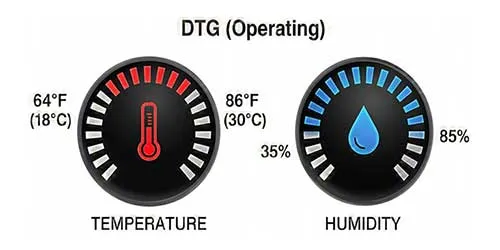
DTG: 64°F to 86°F (18°C to 30°C),
35%-85% relative humidity
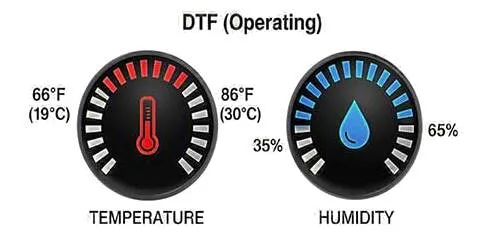
DTF: 66°F to 86°F (19°C to 30°C),
35%-65% relative humidity
Control Panel

7 inch touch panel
Data Output
Printer driver (USB, File output, LAN)
Power Supply
AC 100V-240V, 50/60Hz ± 1Hz
Power Consumption
During printing: Less than 180W
Ink Cure
DTG: Conveyor oven 320°F (160°C) 3 min, 30 sec or Heat press 356°F (180°C) 35 sec
DTF:
Powder: Conveyor oven 320°F (160°C) 5 min
Transfer: Heat press 302°F (150°C) 20 sec (+ Additional
press 20 sec)
Time and temperature may vary depending on which manufacturer's
dryer is used.
Pre-treatment
Before DTG printing, apply pretreatment using either a manual or automatic device and then dry garment using a heat-press, being sure to follow all manufacturer's instructions. Pretreatment is necessary for white ink.
Software
OS
macOS® Sequoia & Tahoe, Windows 11 (64-bit)

Interface
100BASE-TX/1000BASE-T (LAN)
SuperSpeed USB3.0 (USB Flash Drive)
Hi-Speed USB2.0 (PC connection)
Driver operating conditions
2GHz CPU (minimum recommendation), 8GB RAM (minimum recommendation)
For DTF printing, 16GB RAM (recommendation)
Display resolution
XGA(1024x768) (minimum recommendation)
Recommended applications
Adobe® Photoshop CC
Adobe® Illustrator CC