
Globally Certified Ink. Simply Updated.
To support new global environmental and safety standards, we're excited to introduce a reformulated white ink designed for safer handling and broader worldwide compliance. The updated ink is labeled "Ver. 1."
To access these benefits, simply update your printer's firmware and install the latest print drivers. These updates ensure full compatibility with the new ink and optimize performance—delivering bright, high-quality prints with minimal disruption.
Enjoy greater peace of mind, improved quality, and enhanced sustainability.
How to Verify Your Ver. 1 Ink Shipment

Steps to Using Ver. 1 Ink
Download the correct software for your machine and follow the steps below to begin printing.
- 1. Uninstall Drivers & GTX Graphics Lab
- 2. Update Firmware
- 3. Install Drivers & GTX Graphics Lab
- 4. Load ink into printer
- 5. Toggle between profile setting
Instructions & Troubleshooting
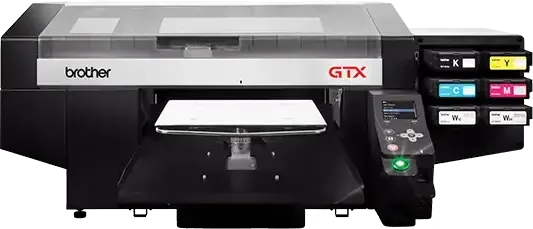
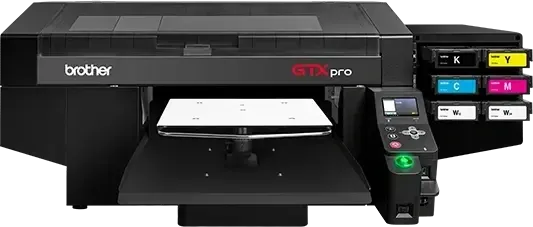
These guides apply to all printer models below.
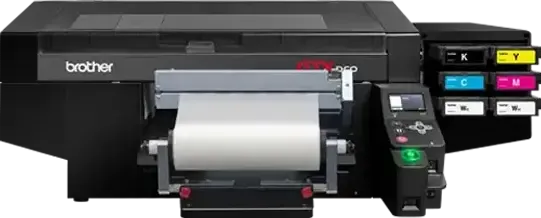
Pouch Inks
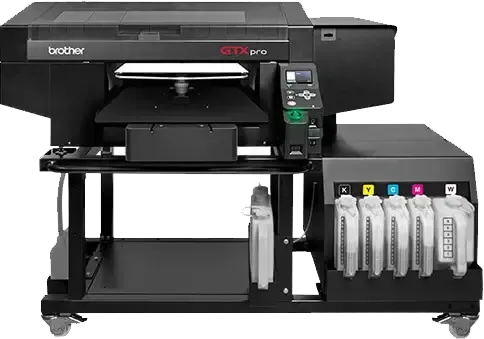
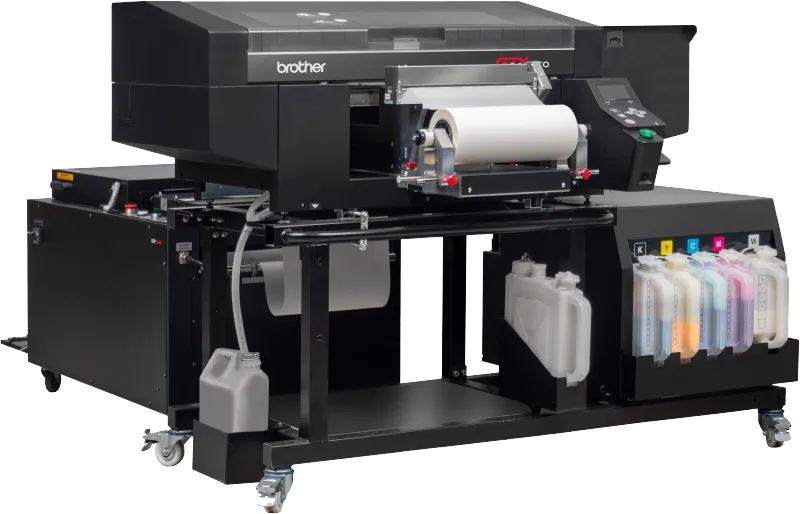
Bulk Inks
Download Ink Certification PDFs
Yes, it is possible for users to do it themselves. Steps to upgrade to W1 ink:
- Uninstall Drivers & GTX Graphics Lab on computer connected to the printer
- Update Firmware on the printer
- Install Drivers & GTX Graphics Lab on computer connected to the printer
- Load new W1 ink into printer once it gets low
- Toggle between the desired profile setting
Follow the above steps in question 1 to update the printer to work with W1 ink.
Yes, W0 ink will continue to work after software update. You will have the option to select between the original profile (W0) and the new profile (W1) in the print driver.
Brother has thoroughly tested, and there is no impact on the printer's components (including the print heads) for mixing W0 and W1 inks together. Brother provides a new profile in the updated driver that matches the color output with the W1 inks.
You can continue to use W0 ink after updating firmware. Select the W0 profile until you add W1 ink to the printer.
W1 ink is compliant with environmental certifications; improving print quality was not the primary objective of this change.
There is no difference in the color tone of the liquid. The design of the pouch or bottle, or packaging design, has been changed, and "Ver.1" will be indicated on them.
There is no price change between W0 and W1.
Yes, the existing .AR__ print files will be read by the printer. Existing .AR__ files have the W0 profile assigned to them and are not able to be changed to W1. Users should test the print quality of an existing .AR__ file to determine if new .AR__ files are needed to be created with the W1 profile.
If you use special software with the CMD line tool, please request an updated CMD tool.
According to estimates, the switch will occur after using two of each cartridge (1-2 and 3-4), or after four refills from an empty tank.
Due to changes in the rules for environmental certification standards, W0 ink can no longer obtain environmental certification. (Please note that any existing stock of W0 ink has already been certified.) W1 ink is compliant with the new environmental certification standards.
No. W0 ink has been discontinued, and only W1 ink will be available for sale starting this summer.
No.
It is the same as W0 ink: two years from the date of manufacturing.
To ensure the best performance with W1 ink, please make sure your system is fully up to date before use. Without a firmware update, the printer will not recognize W1 ink chip / ink chip resetter and could prompt you with an error message: "IC card error". Additionally, if the driver or Graphics Lab software is not updated, print quality may be affected. For optimal results, we recommend updating the firmware, driver, and Graphics Lab prior to using W1 ink.
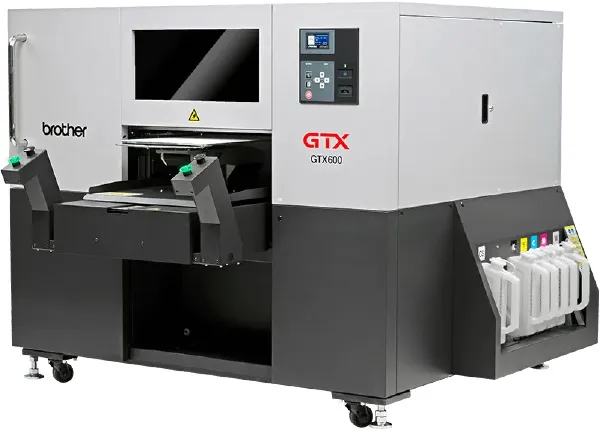
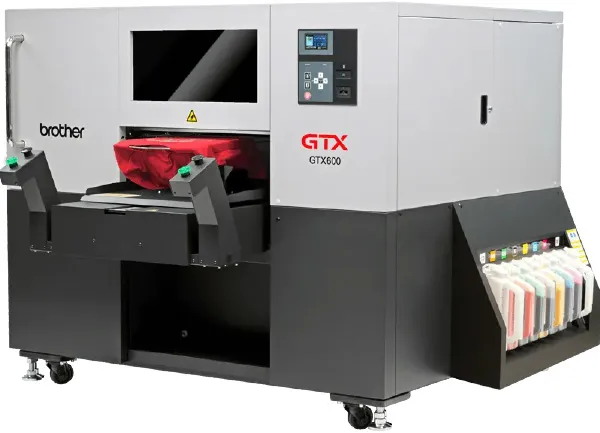
The following models are subject to the ink change: GTX422, GTXpro, GTXproB, GTXpro R2R, GTXproB-R2R, GTX600NB, and GTX600SB.
GTX600NBA is already using W1 ink. DTRX uses a completely different ink set that is not affected.
We expect the W0 ink inventory will be available through the summer.
It is not necessary to change pretreatment settings with W1 ink.
For best results wait until the printer white ink tank is low, the printer will show a message saying "White ink is low", then refill it with W1 ink to full capacity.
Switching one pouch at a time is not a problem.
The Eco Passport certification for W0 ink applies to production batches up to March 2026. Any inventory produced by then is Eco Passport certified. All W0 ink was manufactured on or before March 2026 and has ECO PASSPORT certification.
It is not necessary to change all units at once.
Join Our Social Community
Stay on top of the latest advances in direct to garment printing by following Brother on your favorite social media channel.